Best for
- Social channel and creator profile links
- Branded cards, thumbnails, and digital posters
- Layouts that already reserve the lower-right corner for identity
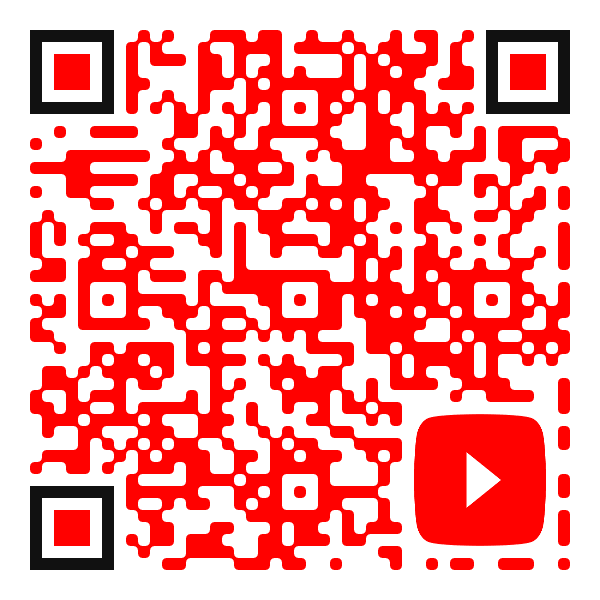
A branded logo sits near the lower-right corner instead of covering the QR center.
Loading the QR preview…
Before publishing
Always test the final export in its intended size, medium, lighting, and viewing distance before launching a campaign.
About the design
Moving a logo away from the center gives the QR code an editorial, asymmetrical composition. It can align branding with a nearby caption or edge while leaving the visual center comparatively open.
Animated Finder Rotation QR Code
The three QR corner pupils rotate in sequence while the central code remains calm.
Animated Rainbow Sweep QR Code
A long rainbow strip travels smoothly across the QR modules in a seamless loop.
Animated Neon Sign QR Code
A dark neon QR sign flickers on and stabilizes with a vivid electric glow.